Hey, I'm Picowhat can I do for you today?
Watch Pico as a Personal Assistant

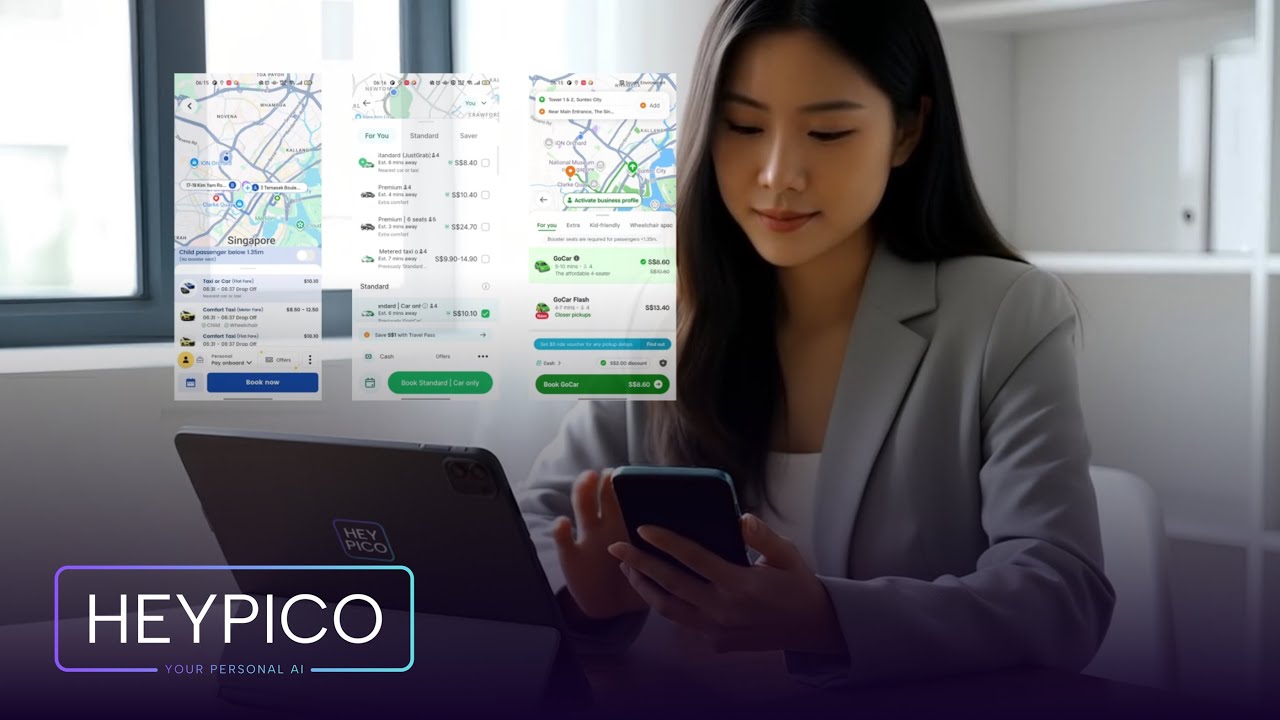

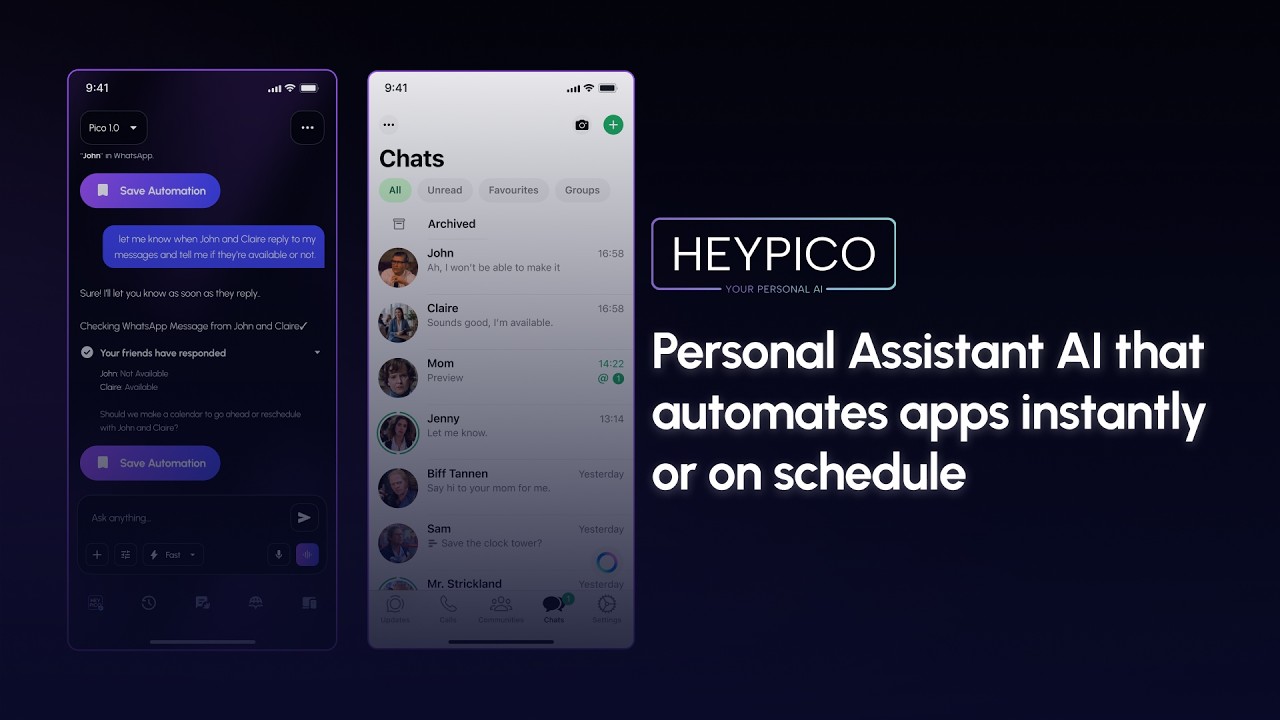
Try App Automation in an Emulator
From scheduling prompts to automating apps, see how HeyPico learns, navigates and automates.
Pico isn't another chatbot. It's a personal companion that sees your screen, taps your apps, and gets things done.
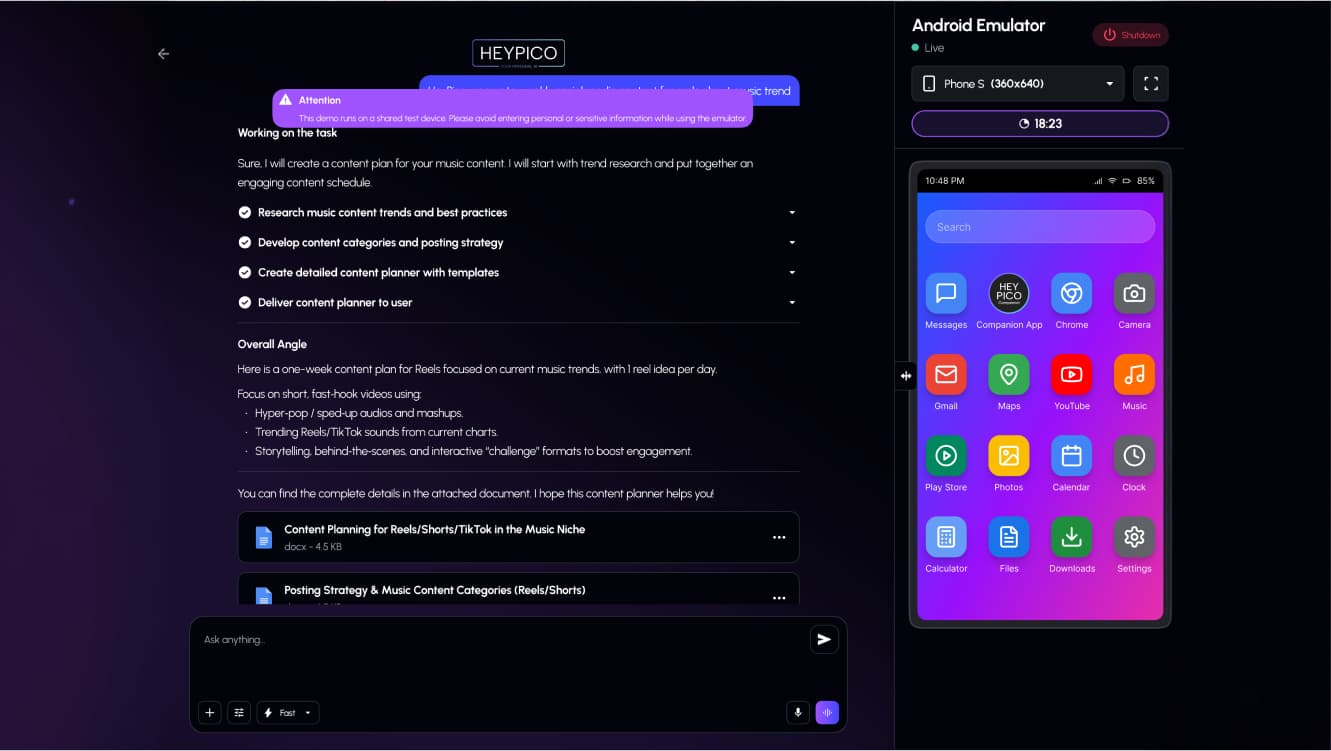
Features You Need in a Personal AI Assistant
More than a chatbot, HeyPico helps you think, organize, automate, and accomplish everyday tasks all from one intelligent assistant.
One Platform. Endless Possibilities.
Discover powerful features that help you automate tasks, remember information, create content, and manage your day more efficiently.
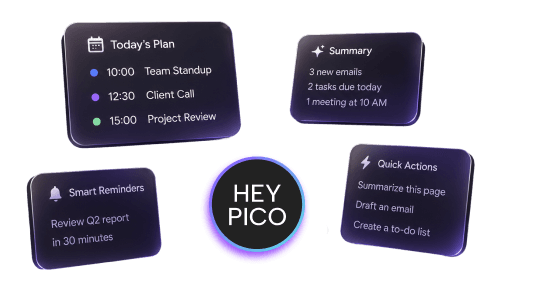
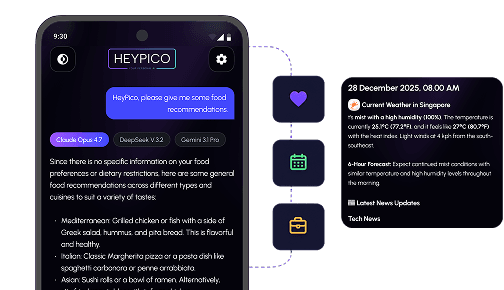
Long-Term Memory
Your conversations, projects, and preferences stay with you. HeyPico remembers what matters, making every interaction faster, more consistent and personal.
Learn Your Habits
HeyPico learns your preferences, routines, and the way you work to deliver more relevant responses and personalized assistance over time.
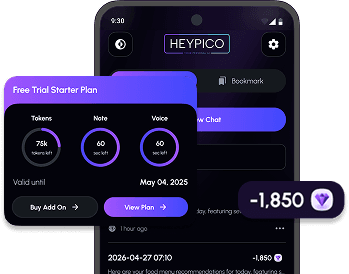
Transparent Usage
Track your token usage in real time, monitor your remaining limits, and manage your AI usage with complete transparency with no hidden surprises.
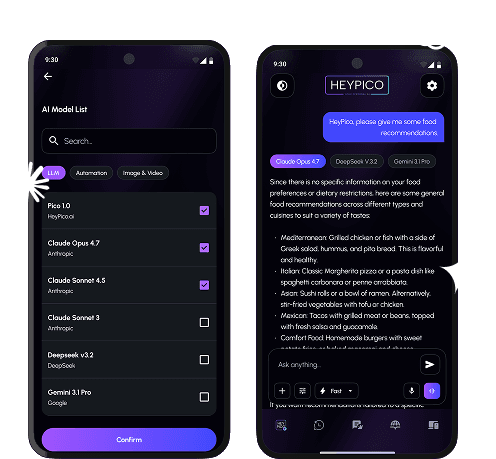
One brain, zero decision fatigue.
Pico allows for multi-llm for token-maxing and full thinking mode. Use the cheapest to the latest models like Deepseek, GLM, GPT, Claude, Gemini and more
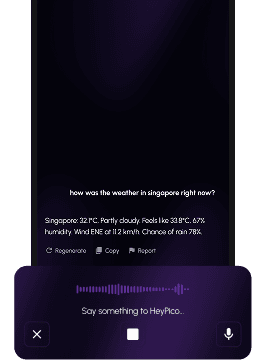
- Voice or chat across any Android and iOS app
- Growing library of ready LLMs
Your personal companion
Experience Hands Free Voice AI
Built for AI Builders
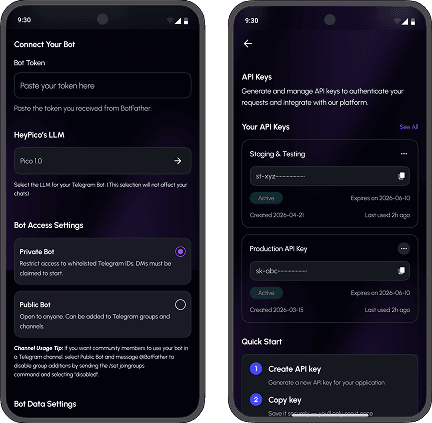
Create, test, and launch AI-powered products without code-heavy setups or a large engineering team. Move fast with no infrastructure, no boilerplate, and no waiting.
With a streamlined interface and AI-assisted workflows, you can connect MCP tools and manage API integrations more easily. Instead of spending time wiring services, configuring endpoints, and handling backend complexity, you define what you need in plain language and the platform handles the connection layer behind the scenes.
Automation AI
Turn any repetitive task into a workflow that fires on a schedule or on command. Build your own, or pull ready-made automations from library that grows every day.
Stop wasting time on repetitive tasks. Companion Automation AI helps you automate workflows, gather information, execute routine actions, and stay organized across your digital tools. From content creation and research to project management and daily productivity, your AI companion is ready to assist whenever you need it.
Discover Apps
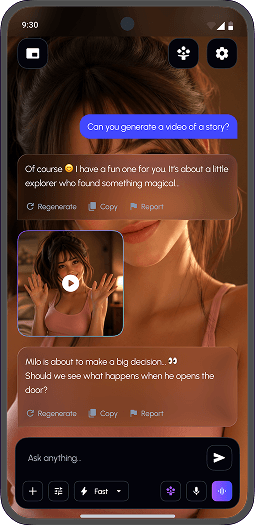
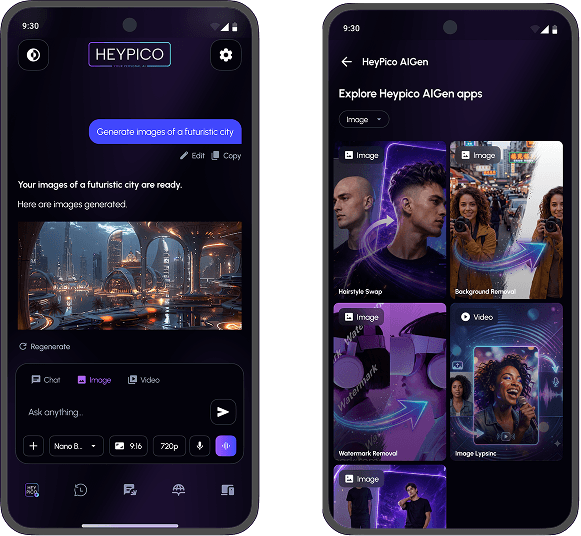
Generate video & images, the easy way
Knowledge Base
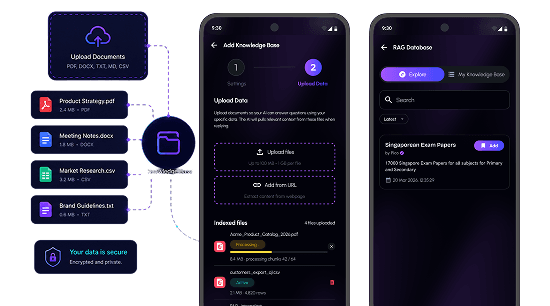
Upload documents and notes to build your AI knowledge base—HeyPico instantly finds and uses your info for accurate answers.
Comes preloaded with Singapore's full exam library—over 1,000 papers and answers from Primary, Secondary, and Junior College across all subjects. Ask Pico to explain, quiz, or walk through any question instantly.
Why Choose HeyPico?
Most assistants forget you the moment you close the tab. HeyPico doesn't.
 HEYPICO
 OTHER AI CHATS
What Our Users Say
“This is the best AI that I've ever seen in my entire life. It's not a chatbot — it's a co-pilot for my whole day.”
Supported by
The world's most innovative programs





Frequently Asked Questions
Find answers to common questions about HeyPico
What is the difference between Google Assistant, Siri, Manus AI, Open Claw?
How is my data protected?
Why do we need the Companion App on top of the HeyPico.ai App?
How is my data protected on the Companion App?
What can HeyPico do today?
HeyPico currently helps users:
- Chat naturally or hands-free using AI voice.
- Automate Android apps instantly or on a schedule.
- Set up and manage custom automated routines.
- Integrate with any Model Context Protocol (MCP).
- Benefit from transparent billing and 100% private data.
- Monitor remaining tokens with a real-time dashboard.
- Complete interactive quests to earn tokens.
- Earn free tokens through our referral program.
- Get multiple results at once with a multi-model LLM.
- Create unique AI personas with evolving personalities.
- Manage contextual memory with graph-based storage.
- Generate AI images and videos using various models.
- Access and search an integrated personal knowledge base.
- Connect via Telegram for private or group bot use.